

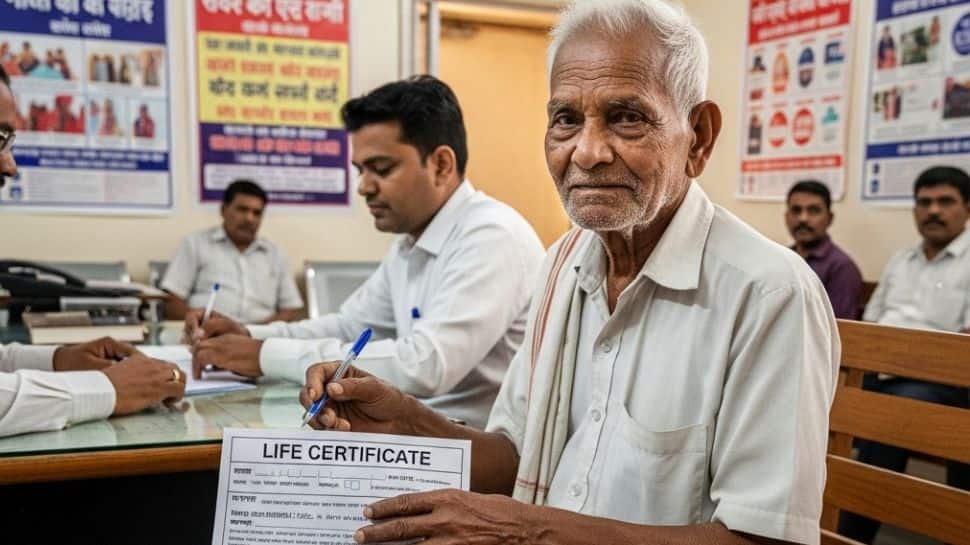
New Delhi: The Department of Pension & Pensioners’ Welfare (DoPPW) is all set to roll out the Digital Life Certificate (DLC) Campaign 4.0 across the country. Covering 1,600 districts and sub-divisional headquarters, these camps aim to make the process easier for senior citizens and differently-abled pensioners by offering special doorstep facilities.
When & Where: DLC Camps Across India
The Department of Pension & Pensioners’ Welfare (DoPPW), in collaboration with Pension Disbursing Banks and India Post Payments Bank (IPPB), will conduct these Digital Life Certificate (DLC) camps from 1st to 30th November 2025 across the country.
Special Facility for Super Senior Pensioners
Pensioners aged 80 years and above can submit their Digital Life Certificates (DLCs) in October to ensure uninterrupted pension payments. According to the Department of Pension & Pensioners’ Welfare, banks are required to equip their branches to provide DLC-related services for these super senior pensioners starting 1st October 2025.
How Senior Citizens Can Submit Life Certificate via Face Authentication
Step 1:
– Go to Google Play Store and search for “Aadhaar Face RD Application” by UIDAI.
– Install the latest version of the app.
Step 2:
– After installation, the app will appear under Settings → App Manager/App Info.
– This app works in the background for Jeevan Pramaan and is mandatory.
Step 3:
Download and install “Jeevan Pramaan” from Google Play Store or App Store.
Step 4:
Open the Jeevan Pramaan app and go to Operator Authentication.
Enter your details:
– Tick the Aadhaar checkbox
– Aadhaar Number
– Mobile Number
– Email Address
– Click Submit
Step 5:
– Enter the OTP sent to your mobile/email.
Step 6:
– Enter your name as per Aadhaar.
– Tick the checkbox and select Scan.
– Give Face Scan authorization by clicking Yes.
Step 7:
– Read the instructions for face scan carefully.
– Tick “I am aware of this” and click Proceed to complete the face scan.
Step 8 (Important Notes):
– Operator authentication is a one-time process.
– Pensioner can act as the Operator.
– One operator can generate DLCs for multiple pensioners.
Step 9 (Pensioner Authentication):
– Enter personal details:
– Tick Aadhaar checkbox
– Aadhaar Number
– Mobile Number
– Email Address (optional)
– Click Submit
– Enter OTP received and click Submit
Step 10:
– Provide pension details:
– Full Name (as per Aadhaar)
– Type of Pension
– Sanctioning Authority
– Disbursing Agency
PPO Number
Pension Account Number
Tick declarations and click Submit
Confirm permission for face scan
Step 11:
Begin Face Scan
Once scanned, DLC submission confirmation will appear on the mobile screen with Pramaan ID and PPO number
To download the certificate, visit the Jeevan Pramaan website and enter your Pramaan ID//