

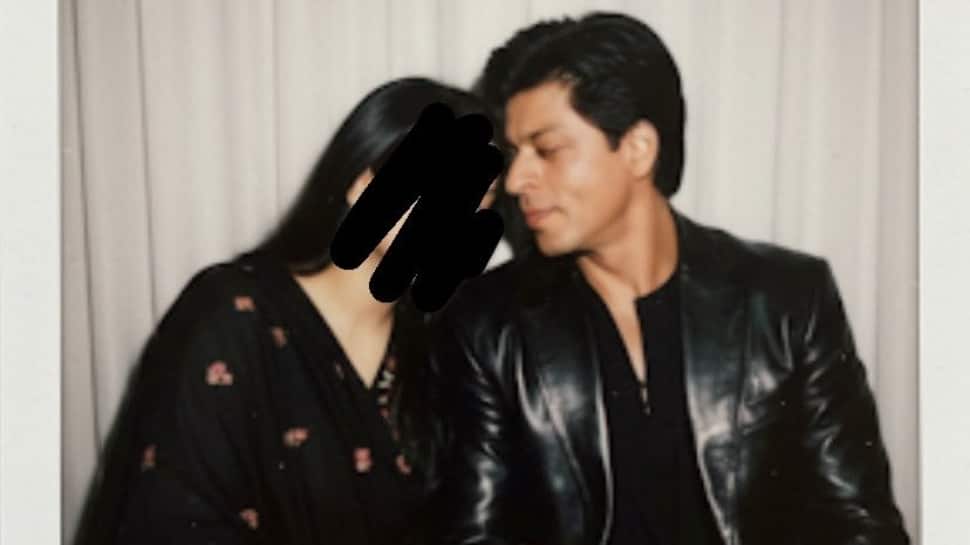
Social media is buzzing with a new AI-powered trend—Gemini AI’s Polaroid-style celebrity edits. From movie stars to music icons, fans are generating nostalgic, retro-inspired photos that look like authentic Polaroid captures from the past. If you’ve come across these aesthetic edits and wondered how to make them yourself, here’s a step-by-step guide.
What Is The Gemini AI Polaroid Trend?
The trend involves creating Polaroid-like images of celebrities (or even yourself) using Gemini AI’s image generation tool. The photos usually feature a vintage frame, soft lighting, muted tones, and sometimes a handwritten caption at the bottom—just like an old-school instant photo.
This nostalgic touch has made the trend go viral, especially among Gen Z and millennials, who love blending retro aesthetics with modern-day pop culture.
Step-By-Step Guide To Creating Polaroid-Style Celebrity Images:-
1. Access Gemini AI
First, open Gemini AI on your browser or app (depending on the version available in your region).
2. Choose Image Generation Mode
Switch to the image generation tool within Gemini. This is where you’ll be able to input prompts and customize your photo style.
3. Use The Correct Prompt
The magic lies in the prompt. To recreate the viral effect, type something like:
“A Polaroid-style photo of [Celebrity Name], vintage aesthetic, soft blurry effect, retro tones, instant camera frame, natural candid pose.”
Example:
“A Polaroid-style photo of Taylor Swift, 90s retro aesthetic, soft vintage tones, instant camera look, handwritten caption at the bottom.”
4. Customise The Look
Add details like “black and white,” “sepia filter,” or “flash effect” to match the vibe you want.
Mention specific eras (like 80s, 90s, or Y2K) for more accuracy.
Try candid moments like “laughing,” “walking on the street,” or “holding a coffee cup” for realism.
5. Generate & Save
Hit Generate, and Gemini AI will create your Polaroid-style image. Save it, and share it on your social platforms to join the trend.
Pro Tips To Make Your Edit Stand Out
Add a fake Polaroid frame overlay using editing apps like Canva, PicsArt, or Photoshop for extra realism.
Use Gemini AI’s variation tool to try multiple poses and aesthetics until you find the perfect shot.
Keep your caption minimal and handwritten-style, such as “Summer ‘98” or “NYC memories.”
Why Is This Trend Viral?
The mix of celebrity fascination and retro nostalgia is what’s driving this trend. It lets fans reimagine modern stars as though they existed in past decades—like seeing Harry Styles in a 70s Polaroid or Billie Eilish in a 90s throwback.
Gemini AI makes it incredibly easy for anyone to tap into this creative wave, and with the right prompt, your edit can look just as viral as the ones flooding Instagram and TikTok.